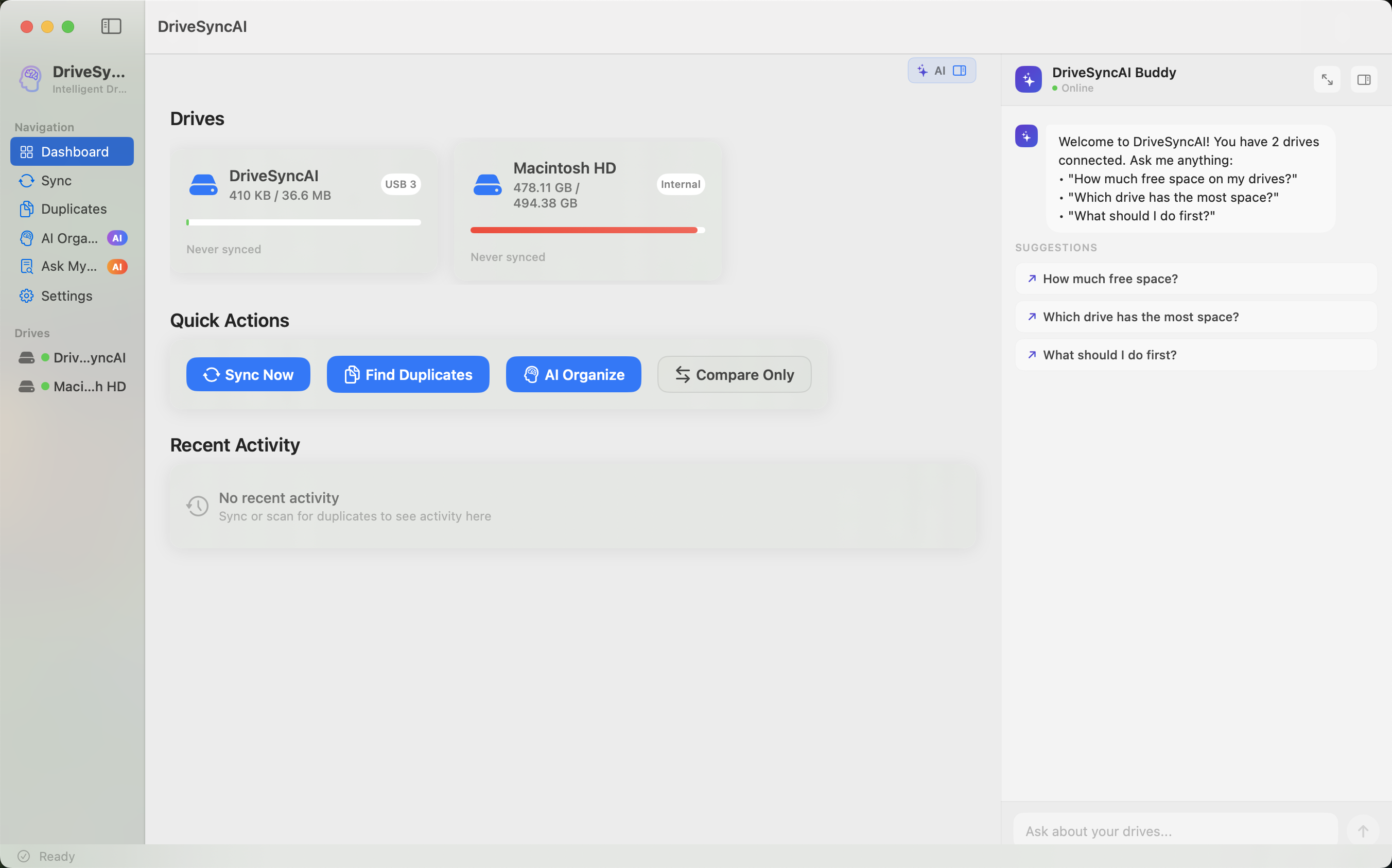
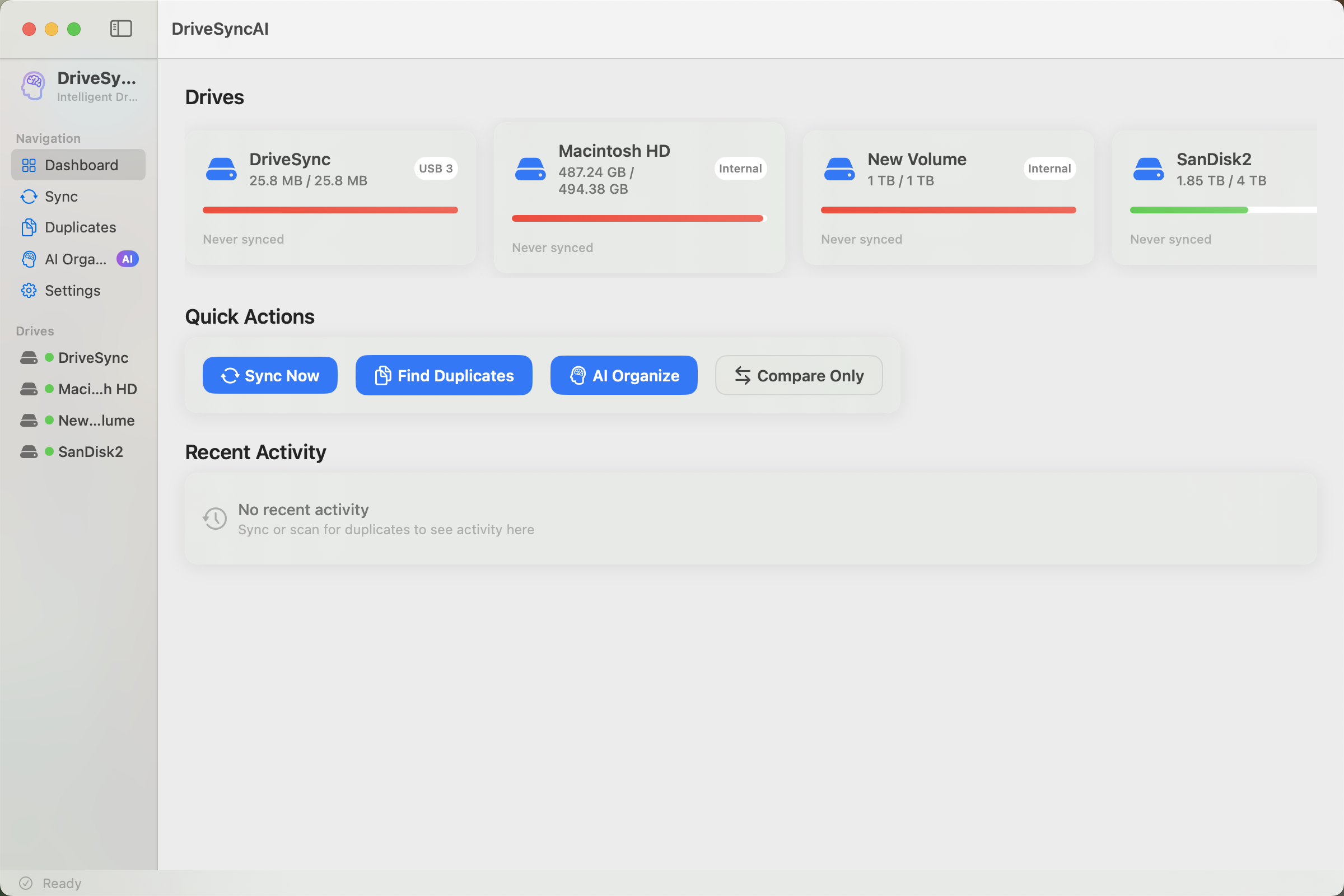
Sync smarter. Find duplicates instantly. An AI buddy on every screen to help you manage files in plain English.
Privacy-first: your data never leaves your Mac.
Three powerful tools, unified by a safety-first architecture that never loses a file.
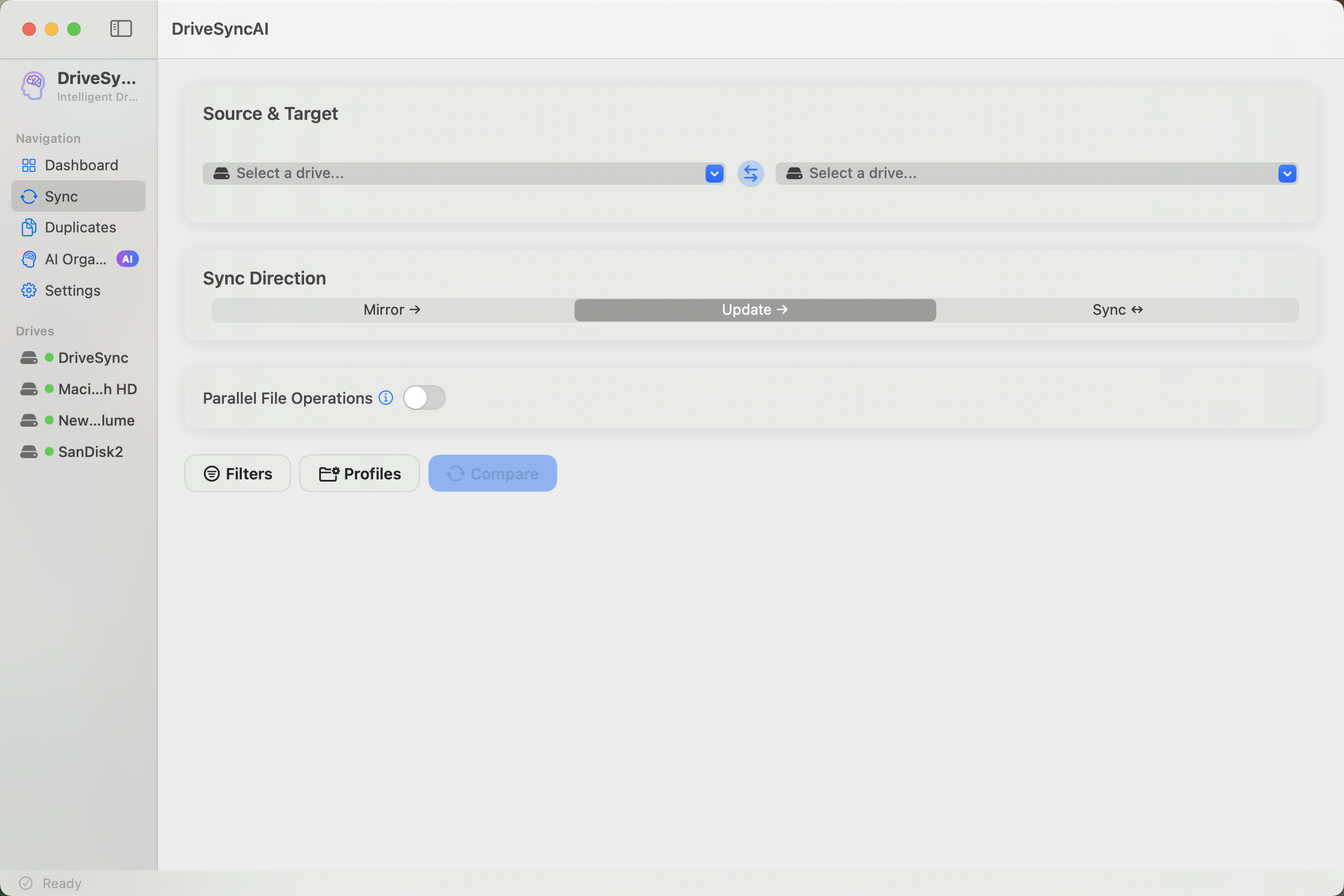
Intelligent Sync
Mirror, update, or bidirectional sync with conflict resolution. Preview every change before execution. Filter rules skip junk automatically.
Mirror ModeBidirectionalSync ProfilesVersioning
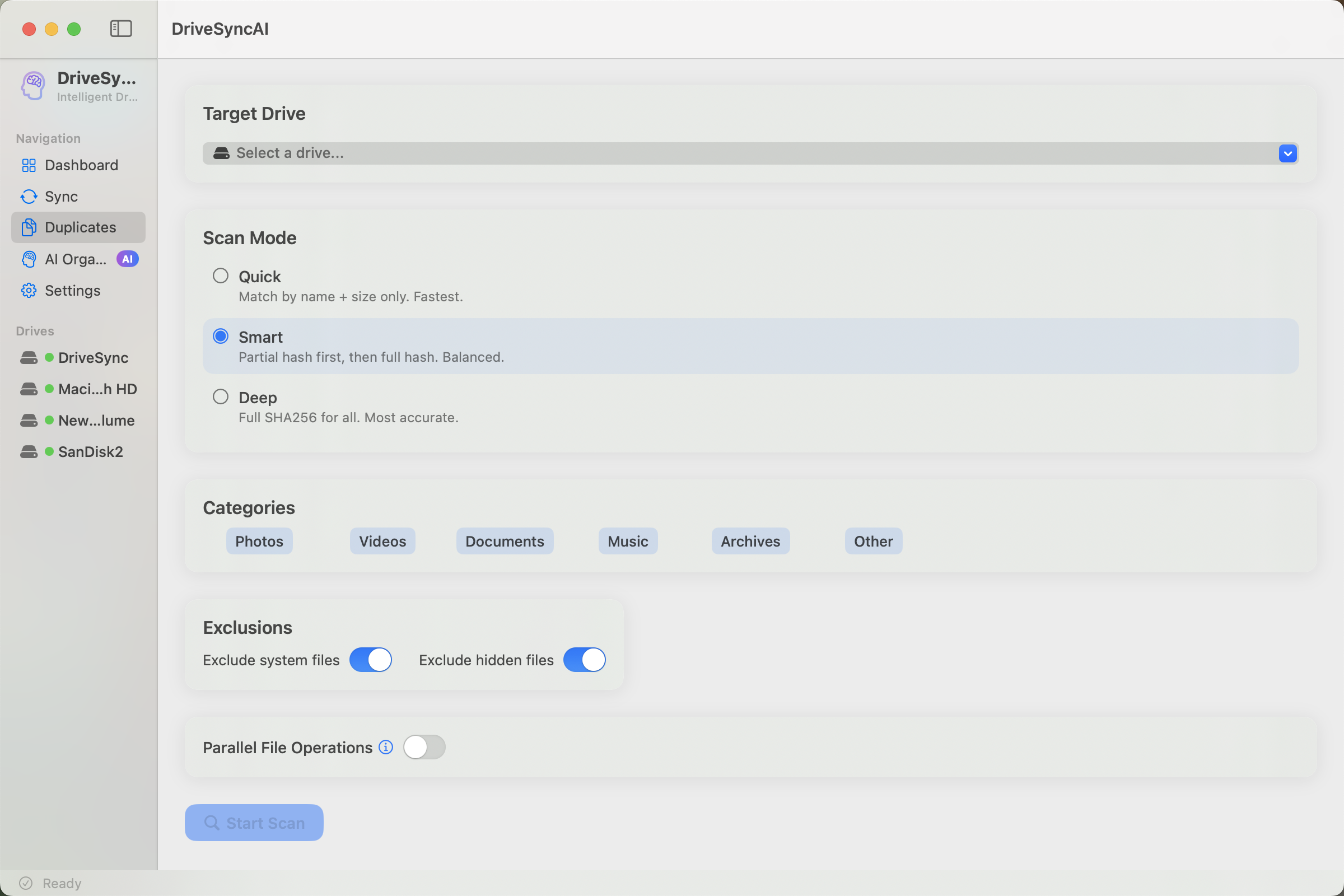
Duplicate Finder
Quick, Smart, or Deep scanning. SHA256 verification catches every copy. Safe move preserves folder structure with full undo.
Quick ScanSHA256 DeepFull Undo
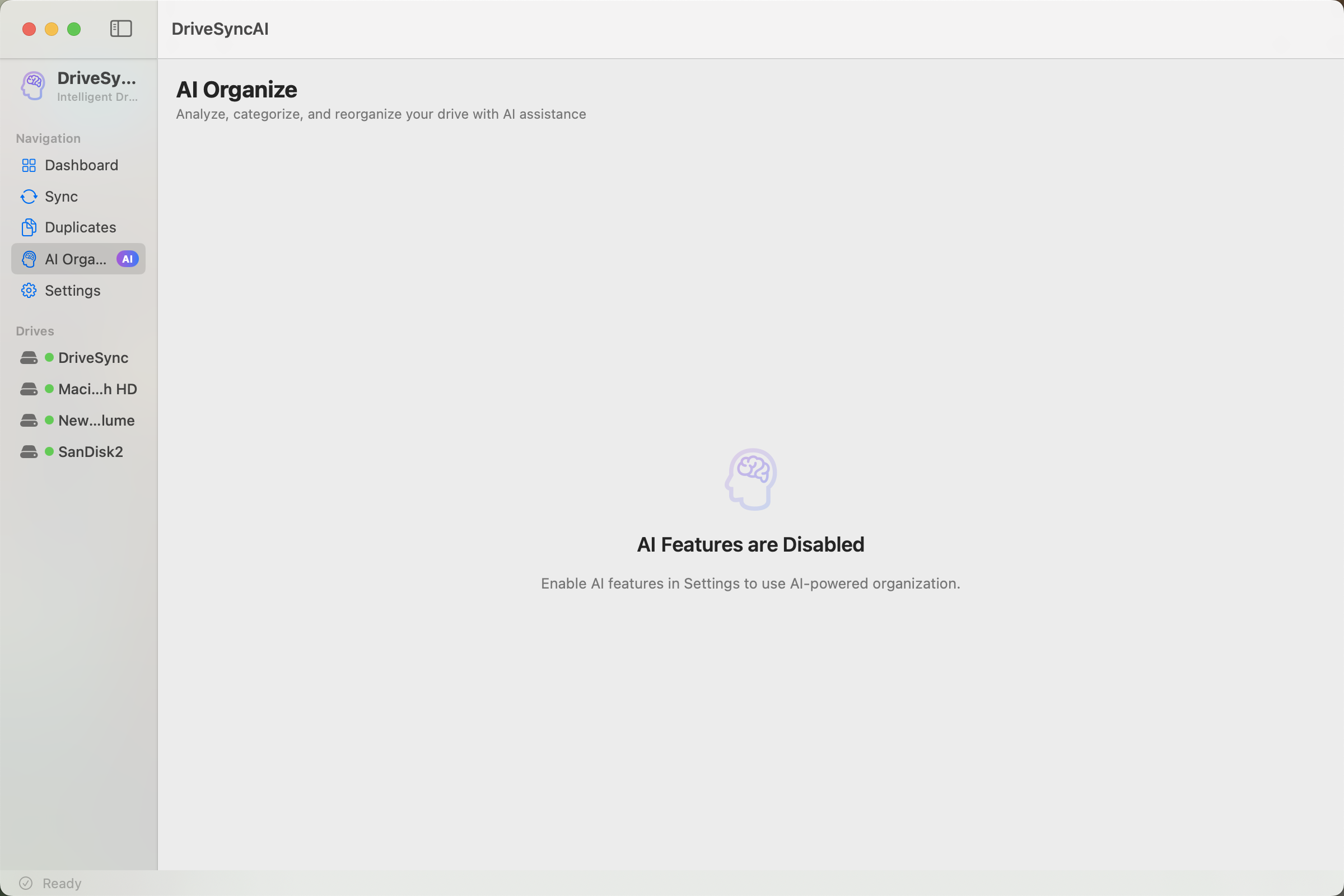
AI Organization
Guided wizard configures folder structure, naming, and cleanup. After scanning, an interactive AI chatbot refines your plan in real time: add moves, change destinations, exclude files, all in plain English.
Preferences WizardInteractive AI ChatLive Plan Editing3-Tier PipelineCustom Rules
Locate My Stuff
Never lose your keys again. Take a photo, tag a place, and let AI label it. Ask "Where is my pen?" to find it instantly. All local.
Visual SearchLocal VisionPlace Tagging
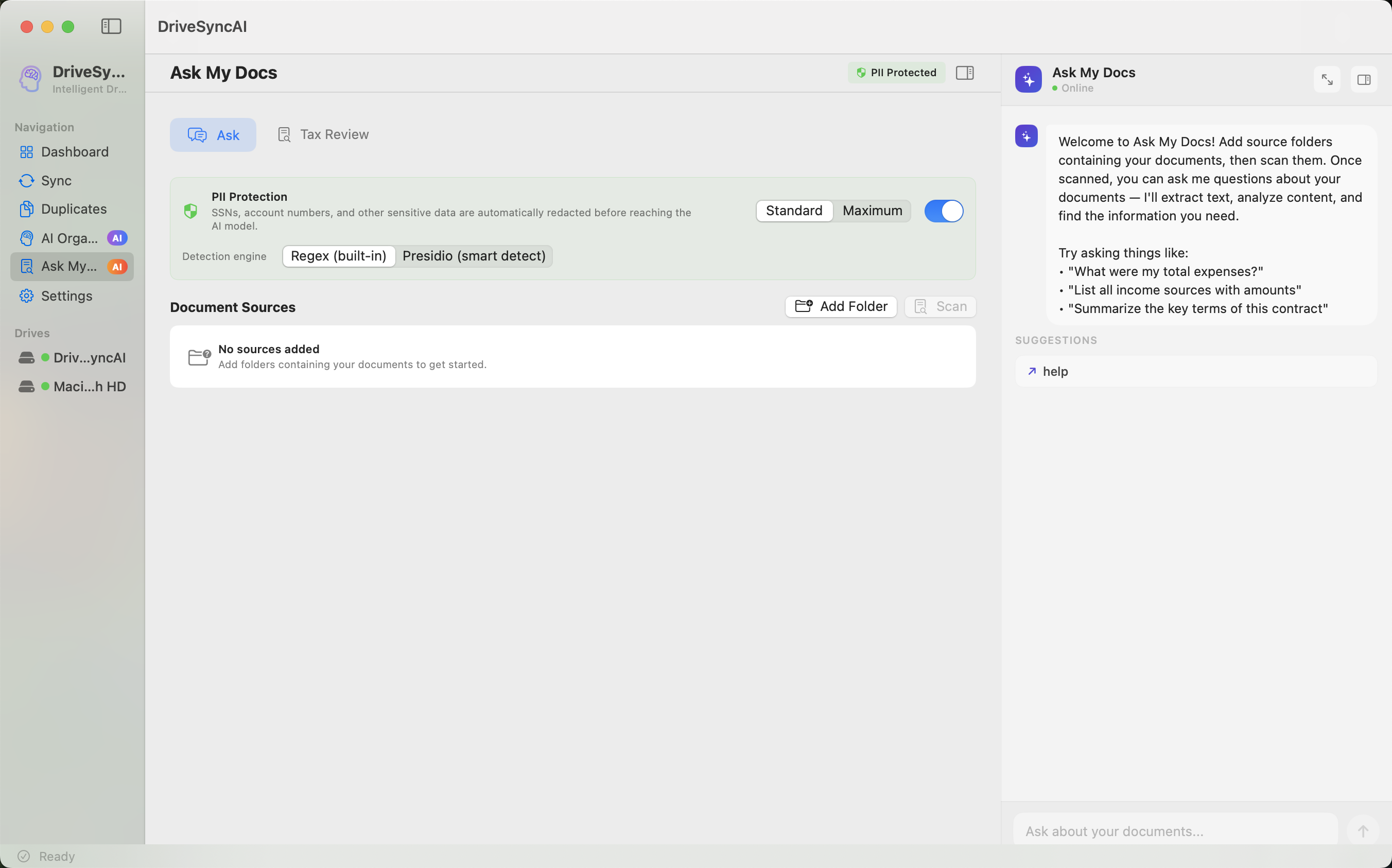
Ask My Docs
Chat with your documents. Extract insights from PDFs, Receipts, Contracts, and Insurance policies. Specialized modes for Tax Review and more.
An AI assistant that lives on every screen. Ask it anything: sync setup tips, scan configuration, duplicate selection, file organization. Use natural language to control actions: "sync only photos," "select duplicates larger than 10MB," "move invoices to Finance." Always present, always context-aware.
Every TabNatural LanguageContext-AwareAction ControlApply & Undo
Blazing Performance
Memory-mapped hashing for large files. APFS clonefile for instant same-volume copies. Adaptive I/O tuned per drive type.
mmap I/OAPFS CloneParallel I/O
Privacy First
AI runs on your Mac via a built-in engine. No Ollama, no Python, no installs. File contents never leave your device. Cloud providers only receive compact metadata summaries.
Built-in AIKeychain StorageNo Telemetry
Native macOS
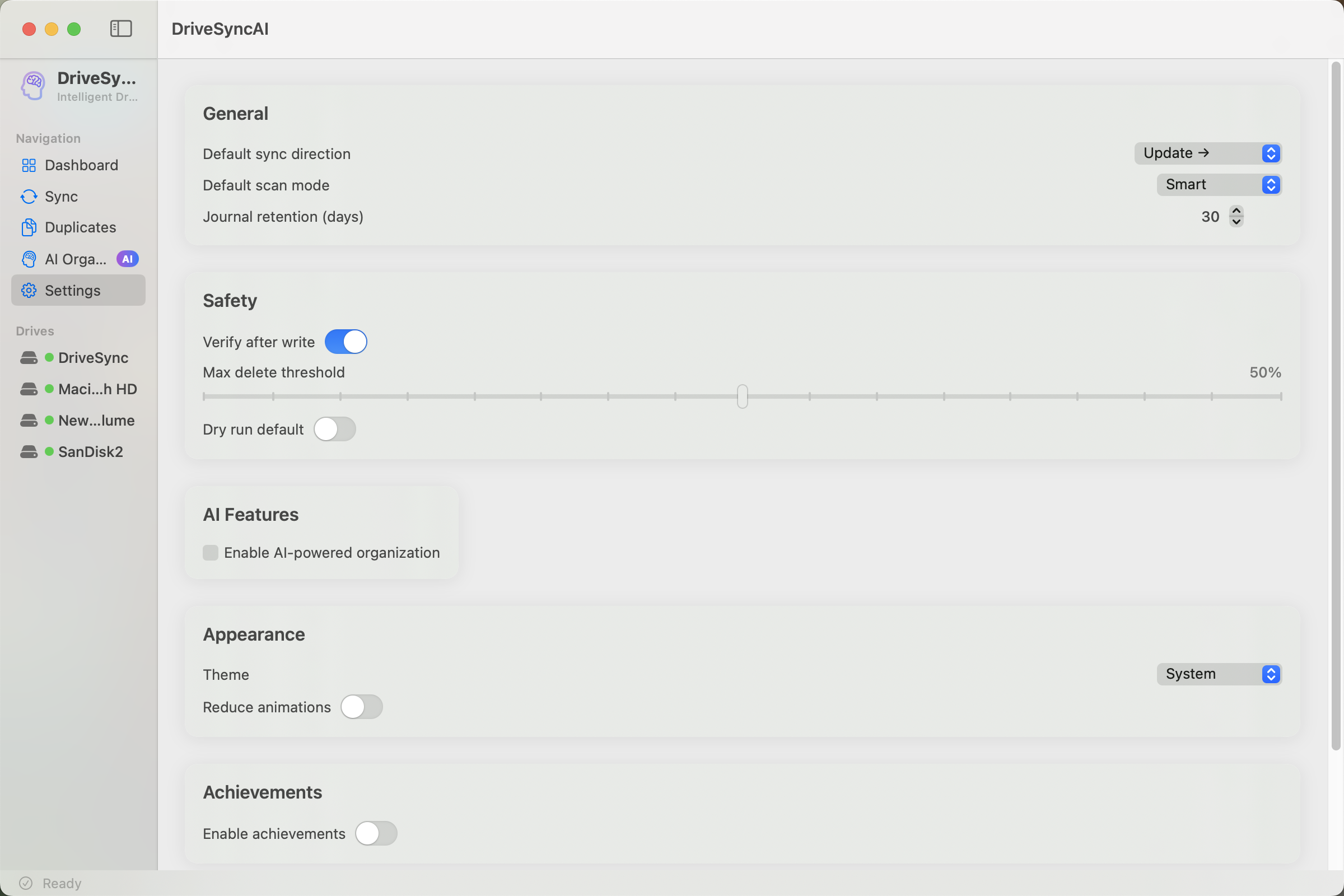
Built with SwiftUI and zero external dependencies. Uses system frameworks, Keychain, and APFS. Feels like it belongs on your Mac.
SwiftUISwift 5.9Zero Deps
AI ENGINE
Three tiers of intelligence. One seamless pipeline.
85% of files organized without a single AI token. Only ambiguous files reach the LLM, as metadata, never contents.
01
60% of files
Rules Engine
Extension mapping, clutter detection, and your custom rules. Instant results, zero tokens, zero network calls.
02
25% of files
Metadata Enrichment
EXIF dates, PDF titles, Spotlight attributes. Deep context extraction without touching file contents.
03
15% of files
AI Brain + Chat
Compact metadata summaries sent to your chosen LLM. After analysis, an interactive chat lets you refine the plan conversationally. The AI modifies moves, destinations, and preferences in real time.
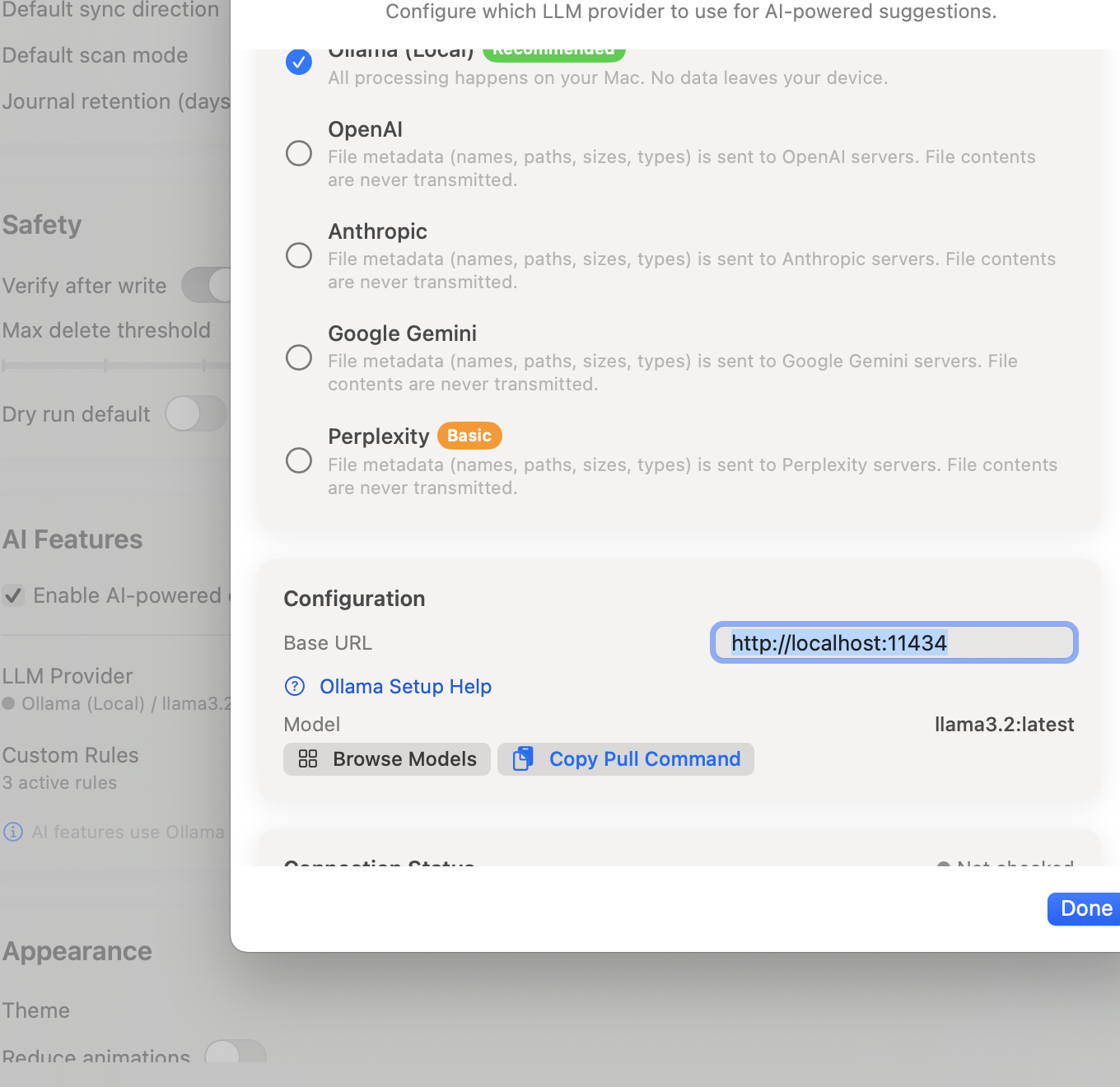
Bring Your Own AI
⚡
Built-in Engine
llama.cpp · No install needed
Default
🦙
Ollama
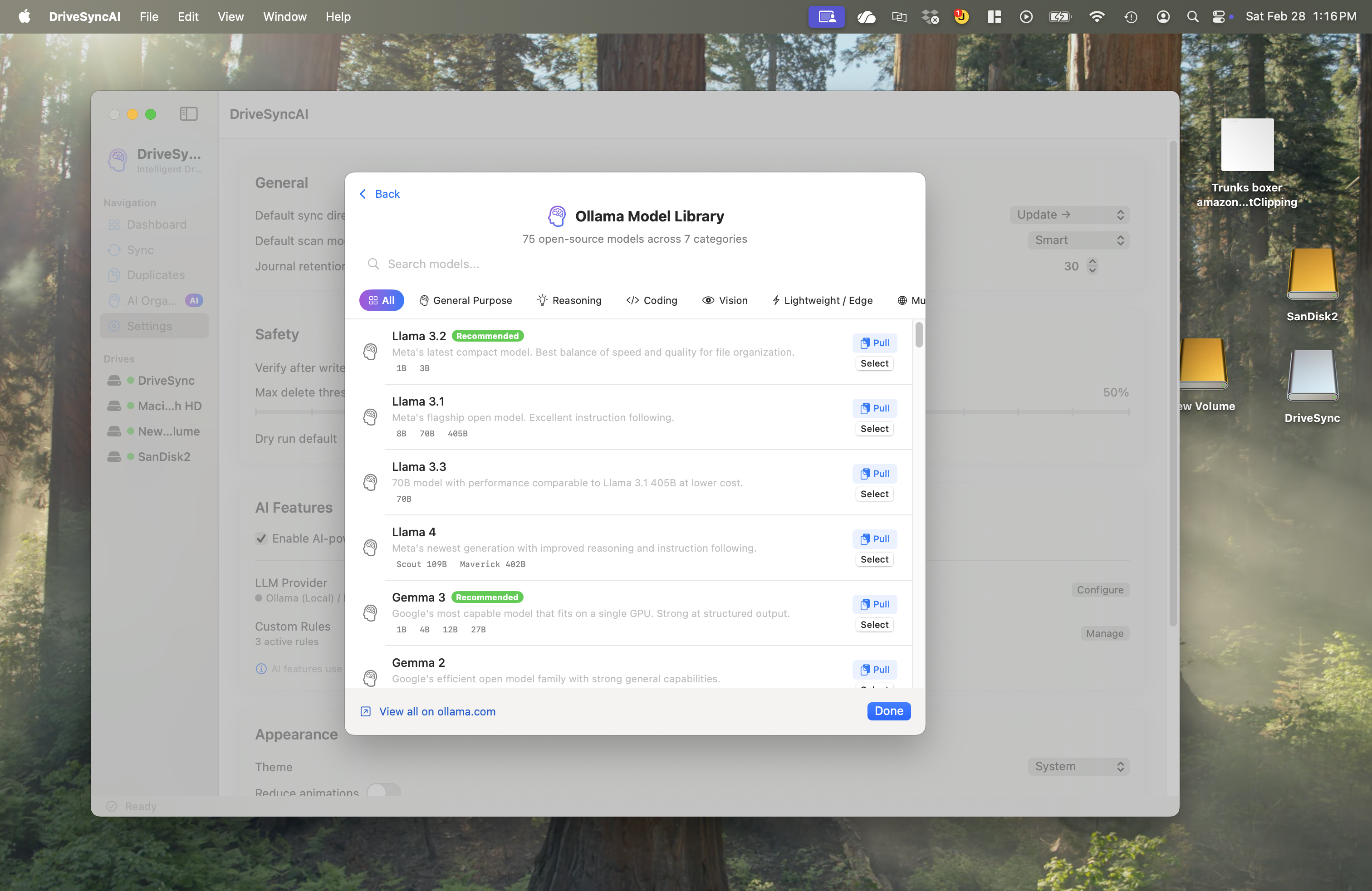
100% local · 75+ models
OpenAI
GPT-4o & more
Anthropic
Claude models
Google Gemini
Gemini Pro
Perplexity
Search-augmented
SAFETY ARCHITECTURE
Built by someone who lost files to a sync tool.
Every operation goes through a multi-layer safety pipeline. Your files are never at risk.
01
Write-Ahead Journal
Every operation logged before execution. Survives crashes and power failures.
02
SHA256 Verification
Hash comparison after every write catches silent corruption before it's too late.
03
Backup Before Overwrite
Original files preserved as APFS copy-on-write clones before any modification.
04
Automatic Rollback
Failed operations reversed completely. Journal replayed in reverse order.
05
Protected Paths
System directories blocked. Delete threshold prevents mass-deletion accidents.
06
Dry-Run Mode
Preview the full execution plan without touching a single file on disk.
IN ACTION
See it in action. Every pixel, intentional.
COMPARISON
Why DriveSyncAI?
Other Tools
DriveSyncAI
Sync
Blind copy, hope for the best
Preview, journal, verify with SHA256
Duplicates
Find & delete, hope nothing breaks
Safe move, full undo, paths preserved
Organization
Manual drag-and-drop for hours
DriveSyncAI Buddy on every screen. Chat in plain English to organize, sync, and deduplicate.
Safety
"Are you sure?" dialog
Write-ahead journal, verify, rollback
Privacy
Upload files to their cloud
AI runs locally. Nothing leaves your Mac.
Cost
$9.99/month forever
Free for personal use. No subscription.
Ready to take control of your drives?
Free for personal and educational use. No subscription. No account required. No telemetry.
# Clone and run
git clone https://github.com/amitchorasiya/DriveSyncAI.git
cd DriveSyncAI
swift build && swift run
# AI is built-in. No Ollama, no extra setup needed.# Accept the AI disclaimer in-app and it downloads everything automatically